
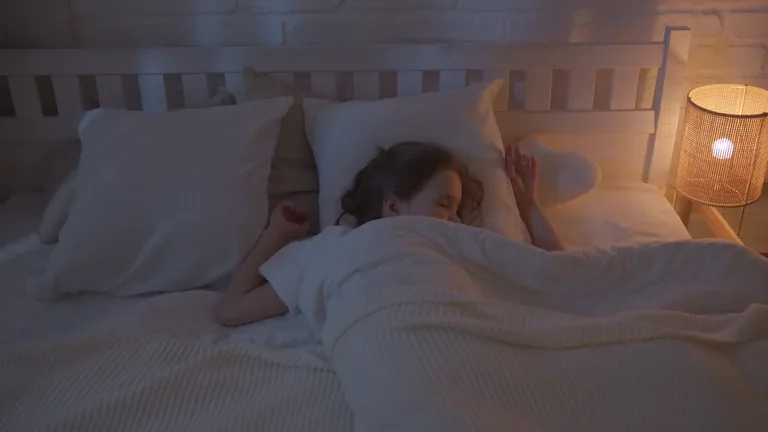
While they sleep,
stay close.
Turn a phone, tablet or computer you already have into a baby camera. See and hear your little one in the Baby Camera app on your iPhone.
Step into their little world.
If the camera runs in the Baby Camera app, paste its link here. To watch a camera in a browser, scan its QR code with the app.
Two devices.
One quiet bond.
The phone in your drawer, the laptop on your desk. Start with what you already have.
01Place it in their room
On a computer, tablet or phone, choose “Use this device as camera”. Plug the device in and keep the camera page open.
Set up the camera02Pair with your phone
In the Baby Camera app on your phone, tap “Scan QR code” and scan the code on the camera screen. You buy the app once on the App Store and it works on all your iPhones, iPads and Macs with the same Apple Account. Use your link only on your own devices.
Baby Camera on the App Store03Be there at a glance
When the live view opens, turn the sound on. The camera is remembered in the app, so next time you can open it from your saved cameras.
Direct, encrypted connection.Frequently asked questions
Baby Camera turns a device you already own into a baby camera in minutes. Here’s what people ask:
What is Baby Camera?
Baby Camera turns a phone, tablet or computer you already have into a baby camera. One device becomes the camera in your child’s room; you watch live video and sound from another. The camera can run in a browser; to watch, you use the Baby Camera app on iPhone, iPad or Mac.
Is it free? Do I need an account or an app?
At least one of the two devices needs the Baby Camera app from the App Store. The camera side runs free in the browser; to watch, you buy the app once and can use it on all your iPhones, iPads and Macs with the same Apple Account. To use browsers on both sides, enable a browser for a year with a one-time code from the app. You don’t need an account; there are no ads, analytics or tracking.
Can I use my old phone as a baby monitor?
Yes. Plug the old phone in, open babycamera.app in the browser and tap “Use this device as camera”. You can dim the screen; streaming continues and the “Camera on” notice stays visible. You watch it with the Baby Camera app on your iPhone or iPad.
Which devices does it work with?
Any device with a camera and an up-to-date browser (Safari, Chrome, Edge or Firefox) can be the camera: Windows PCs, MacBooks, iPhone, iPad, and Android phones and tablets. To watch, you need the Baby Camera app on iPhone, iPad or Mac. If the camera runs in the app, or a browser has been enabled with an app code, you can also watch from any device’s browser.
How do I pair the devices?
Scan the QR code shown on the camera device with “Scan QR code” in the Baby Camera app on your phone. Once paired, the camera is remembered in the app.
Are video and sound recorded?
No. Video and sound travel directly and encrypted from the camera device to the watching device over WebRTC; they are never sent to our servers, recorded or stored. Pairing messages are encrypted on your device too.
Can I watch from another network or on mobile data?
The most reliable connection is when both devices are on the same Wi-Fi network. It can work across networks too, but some mobile carriers and hotel networks block direct connections. On mobile data, Saver mode cuts data use by sending sound and periodic photos instead of continuous video.
Can more than one person watch at the same time?
Yes. The camera opens a separate connection for each watching device and shows how many people are watching. Each viewer can choose their own video quality (auto, 480p, 720p, 1080p).
Is Baby Camera a medical or safety device?
No. Baby Camera is not a medical or safety device; it doesn’t track breathing, sleep or health, and the connection can drop. Don’t rely on it alone for your child’s safety.
Can it be used as a hidden camera?
No. Baby Camera is only for watching your own child, with everyone in the room aware of it. The camera device always shows a “Camera on” notice, and there is no way to hide it.